Owncloud Webdav cp: cannot create regular file `/mnt/shared/documents/file.txt’: Invalid argument

trying to cp a file to a webdav mounted owncloud share from my linux machine failed wth the following error

cp: cannot create regular file `/mnt/shared/documents/file.txt': Invalid argument

However I was still able to copy from owncloud to my box. checking /var/www/owncloud/data/owncloud.log showed

{"app":"webdav","message":"Sabre\DAV\Exception\BadRequest: expected filesize 162 got 0","level":4,"time":"2015-04-24T13:15:31+00:00"}

To fix this issue open /etc/davfs2/davfs2.conf and change

# use_locks 1
to
use_locks 0

unmount and remount your share and you should be be able to copy with no errors.

Continue Reading

Resetting VMware ESXi Host Root Password

1, Download a Linux live CD (for this how to I used ubuntu and will reference to it) and burn to cd/usb. 2, Ensure your server is set to boot from CD/Usb first via the bios. 3, Boot the linux image and select ‘Try Ubuntu’. 4, When the desktop is loaded launch Gparted. 5, Looking at the layout hypervisor is located on the first 250MB partition in my case /dev/sda5 make a note of this partition. 6, Open a terminal window. 7, Type the following commands sudo -s mount /dev/sda5 /mnt (replace /dev/sda5 with your own parition) cd /mnt ls 8, Copy state.tgz to tmp and extract cp state.tgz /tmp cd /tmp tar xzf state.tgz 9, Going an ‘ls’ shows a new file local.tgz extract this tar xzf local.tgz 10, Go to the /etc directory and edit the shadows file. cd /etc nano shadow Here you’ll find the root password hash surrounded by two colons ie root:$fgEFG5454DFG54t55445DFGDFGDxzfvxdgfrfdret54dfgfdgg45:13358:0:99999:7::: remove the text between the two colons so it shows root::13358:0:99999:7::: save and exit 11, Now we need to repack the files and copy the modified state.tgz back to the ESXi system. cd .. tar czf local.tgz etc tar czf state.tgz local.tgz cp state.tgz /mnt/ umount /mnt 12, type ‘reboot’ and remove the Live CD media and allow VMware to boot as normal. 13, Once booted press ‘F2’ and login with the name root and a blank passsword. 14, Set a new password via the ‘Configure Password’ option.

Continue Reading

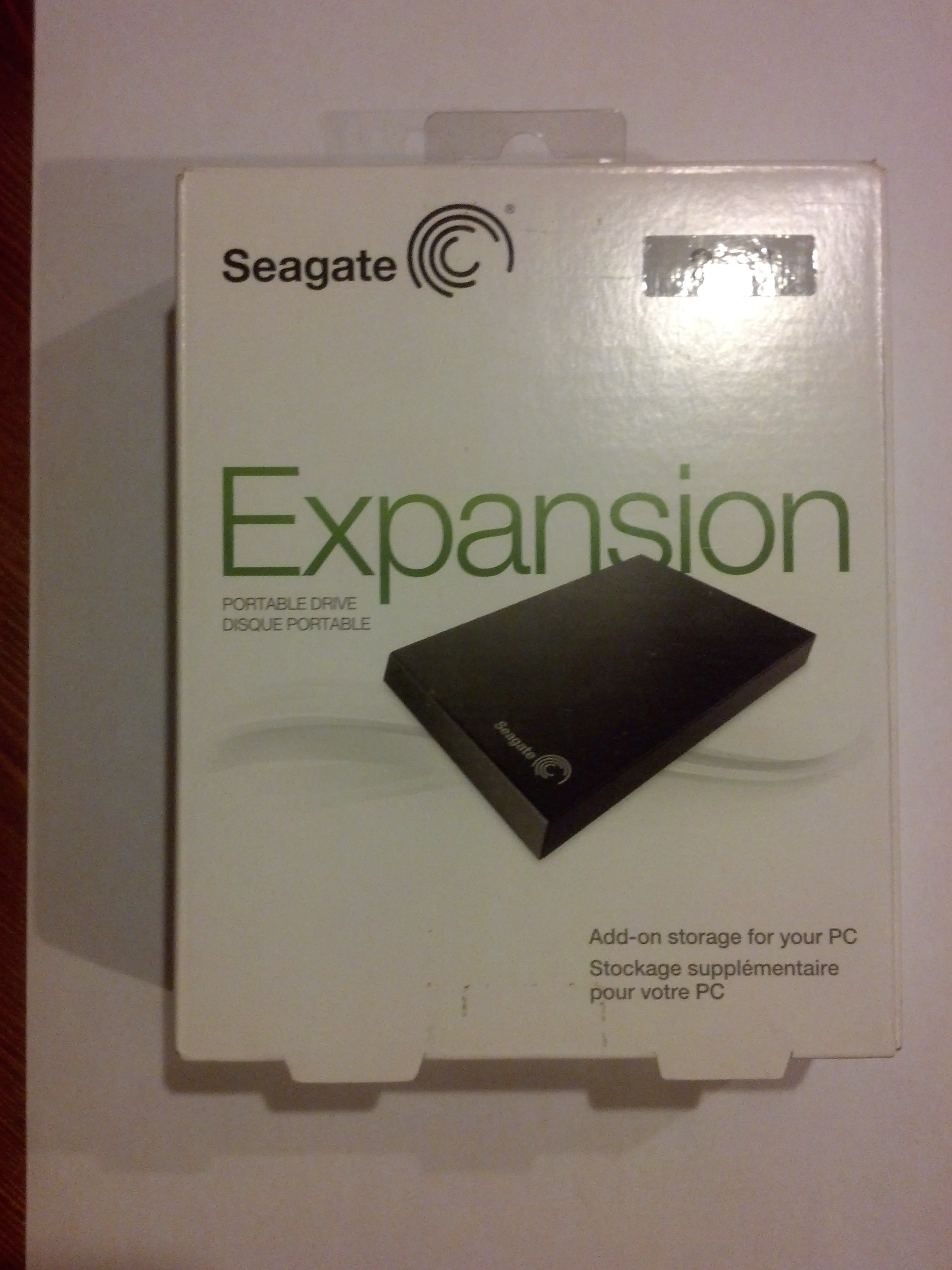
Dissecting the 2TB Seagate Expansion Portable USB 3.0 Drive

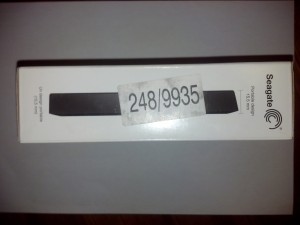
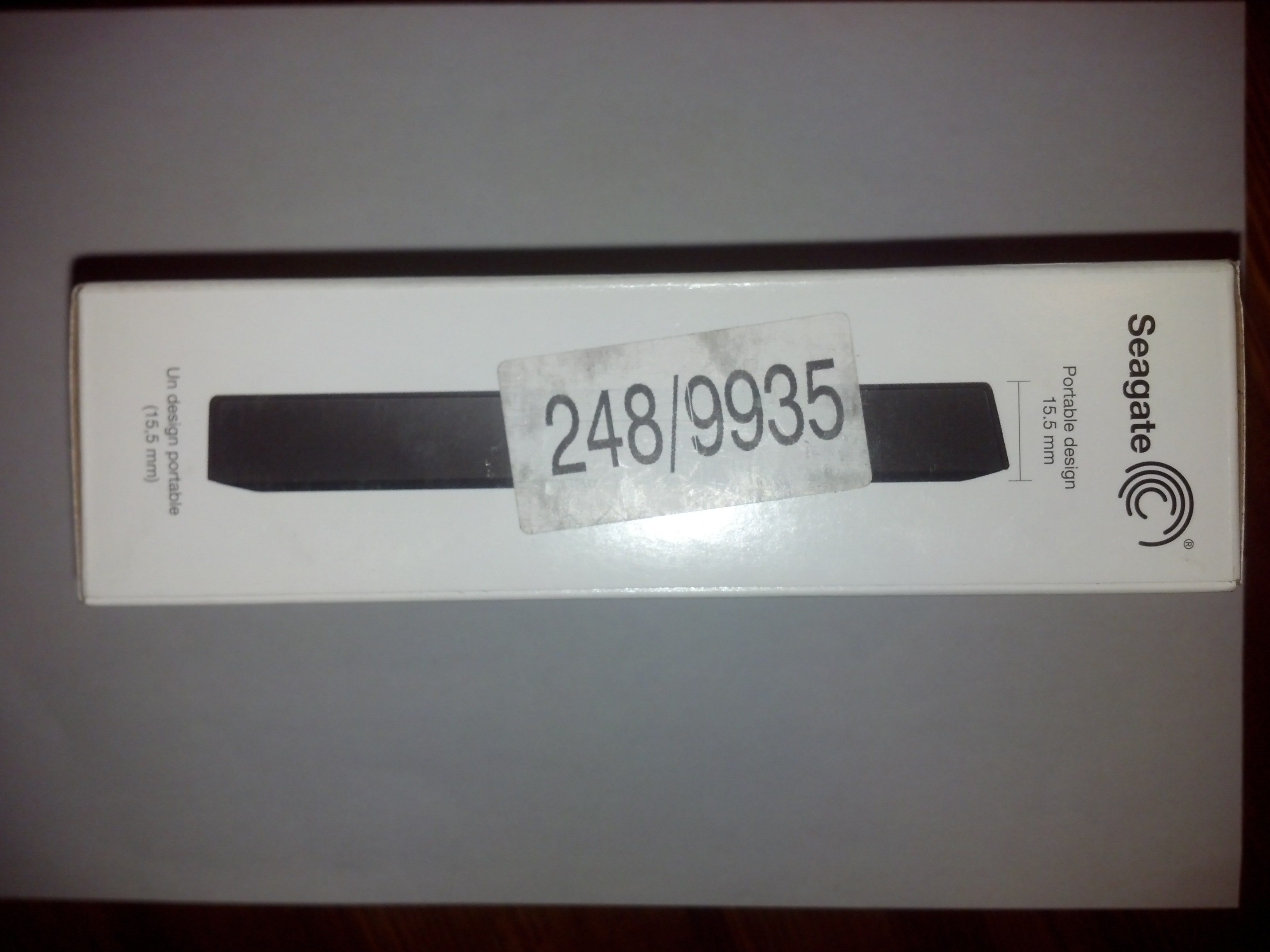
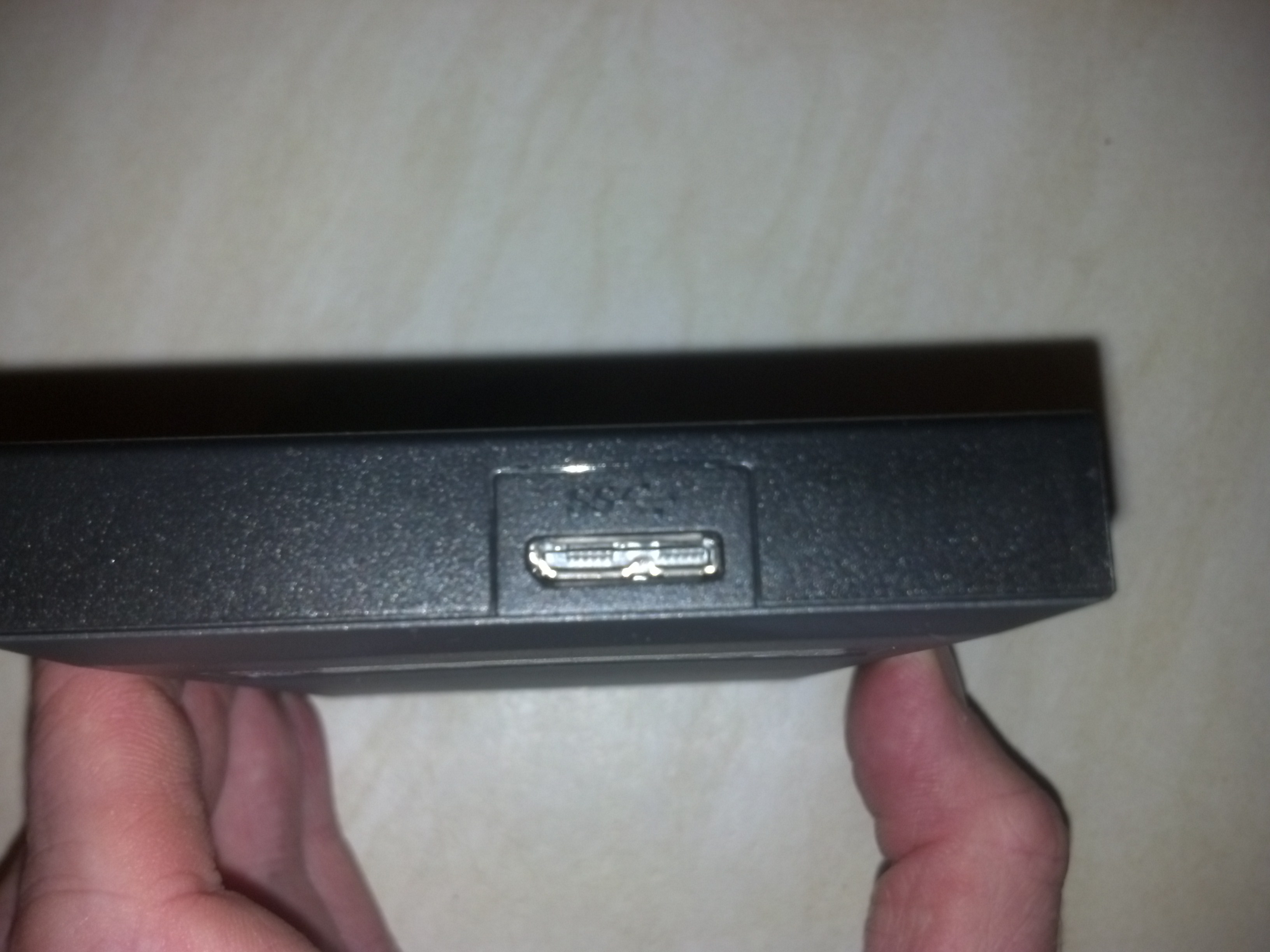
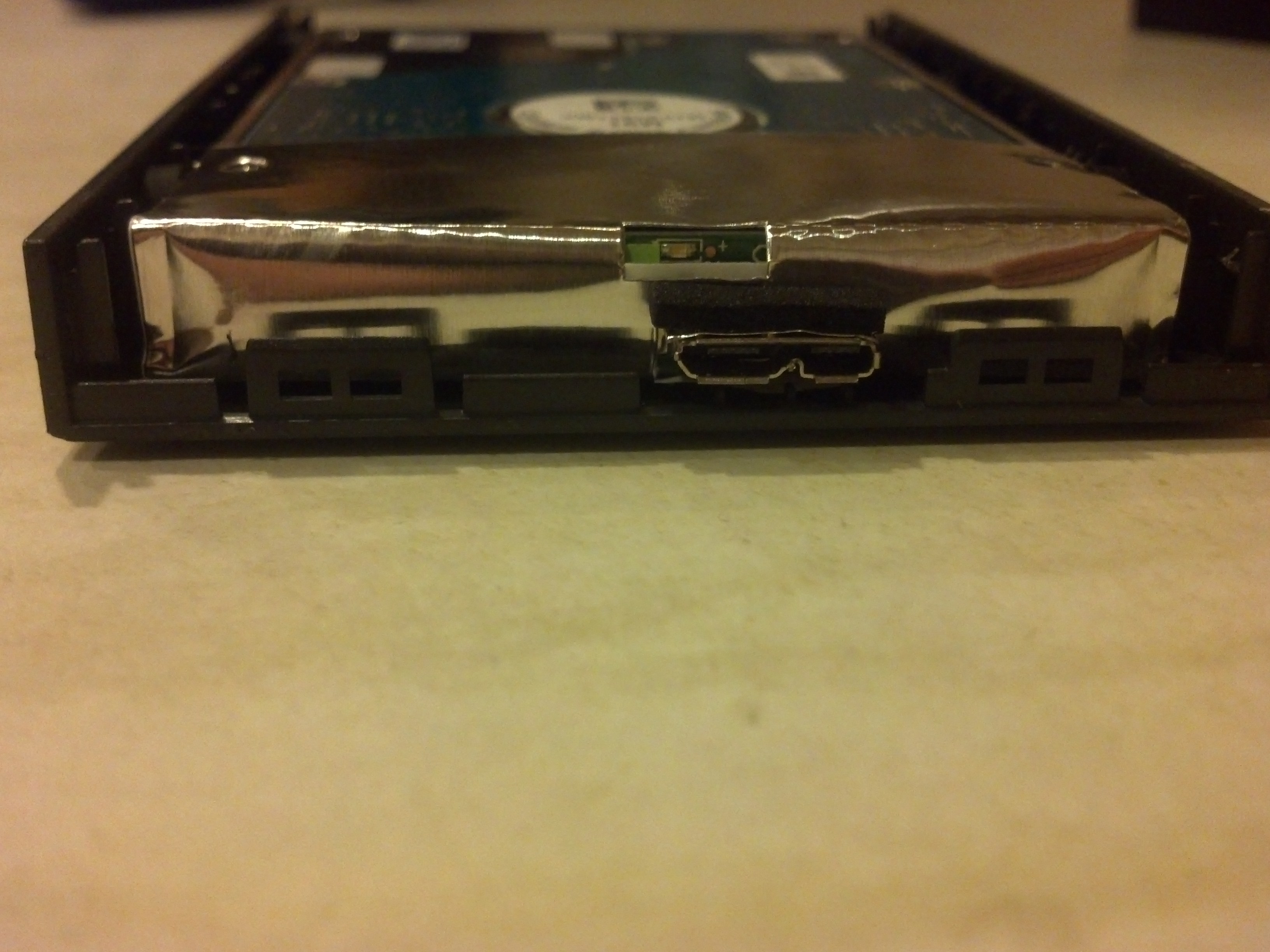
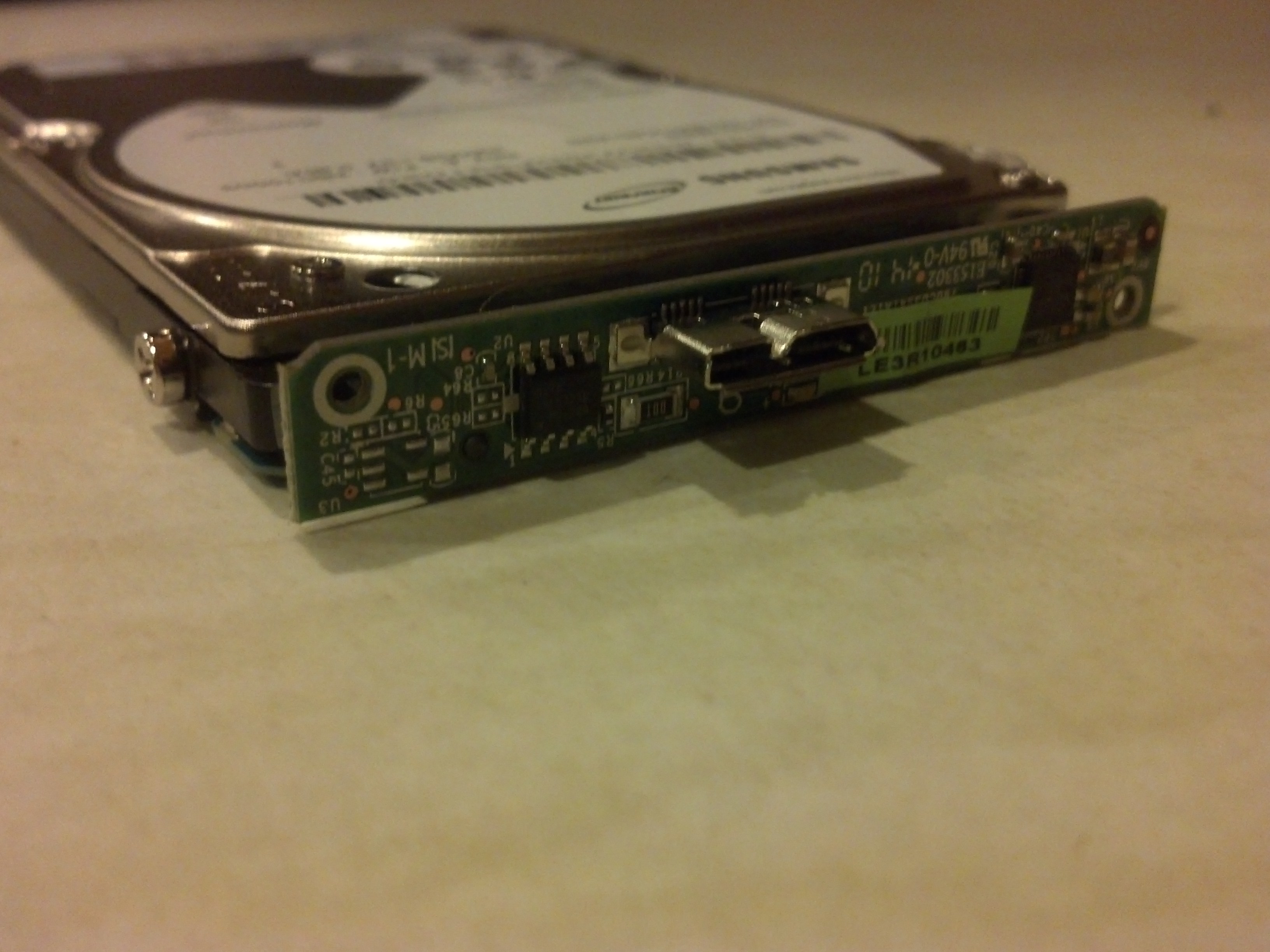
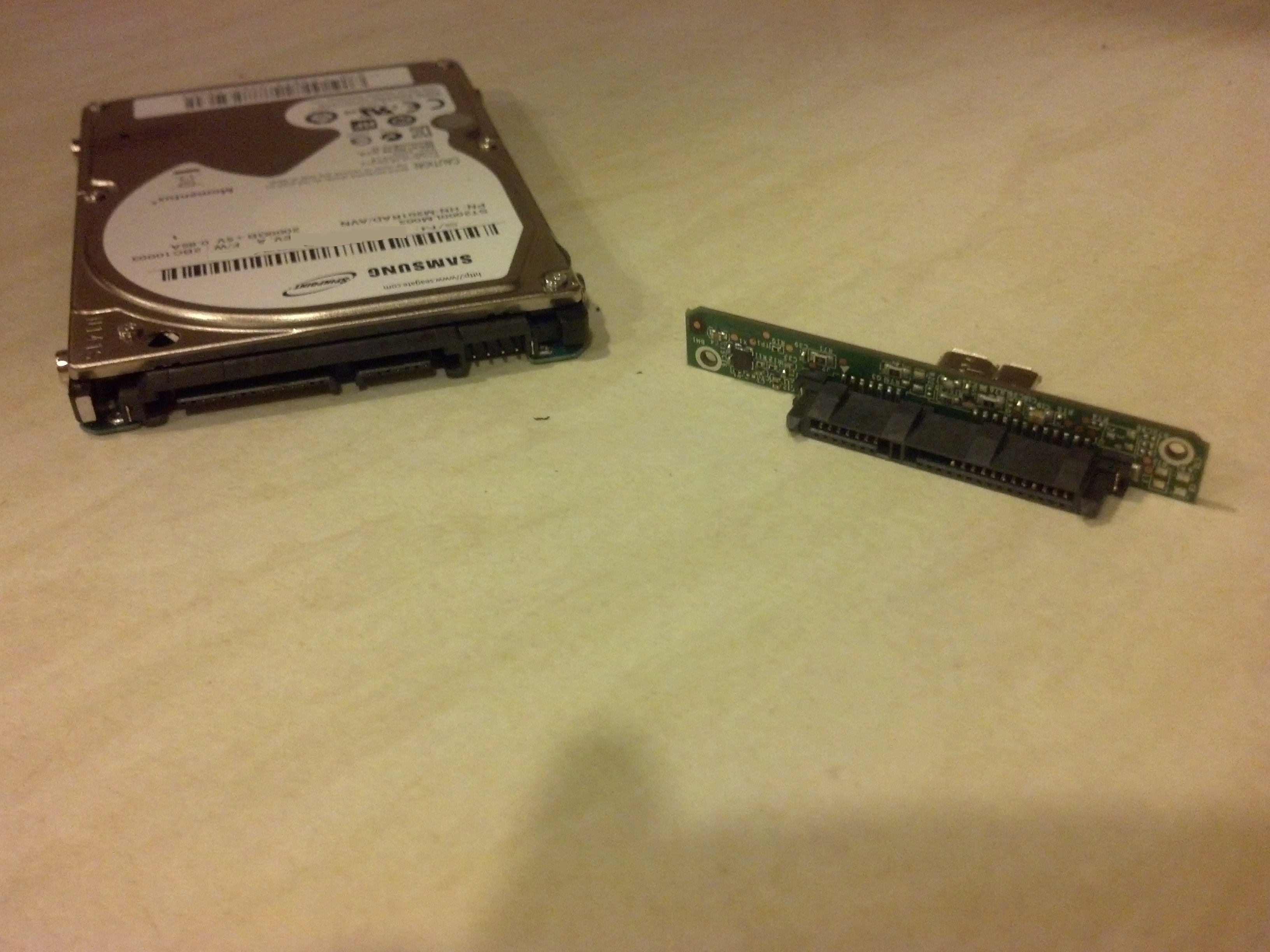
I picked up this USB drive from Argos (item number 248/9935) knowing that the internal drive could be removed and thus installed in a laptop or console ie the PS4. This differs from some others in the fact that it contains a true sata drive with standard sata connectors, other manufacturers use proprietary drive connectors to convert to USB thus removing the ability to use it outside of it’s enclosure.

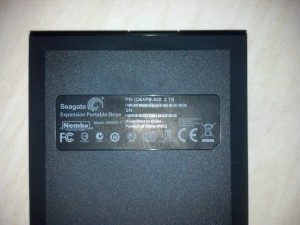
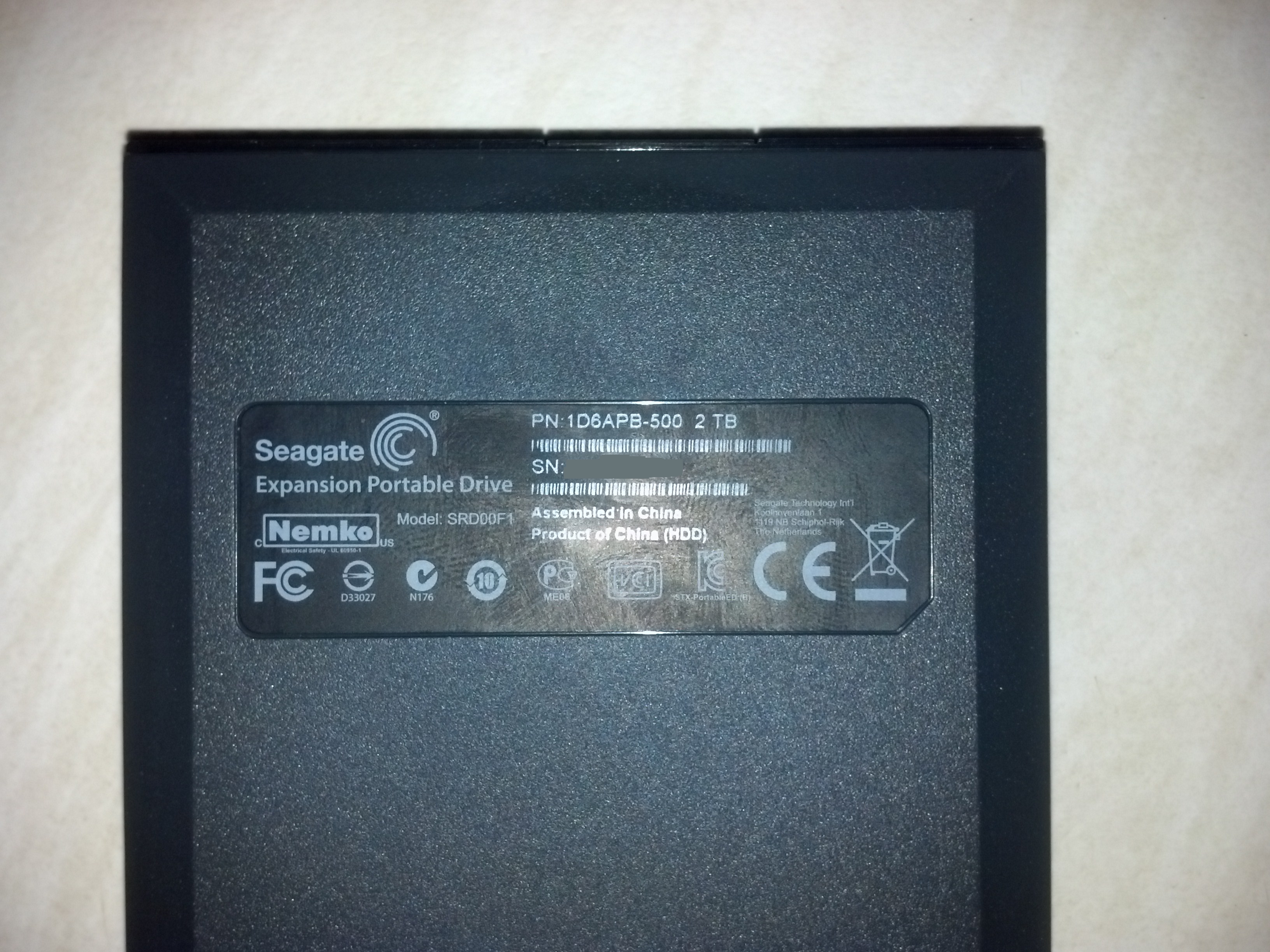
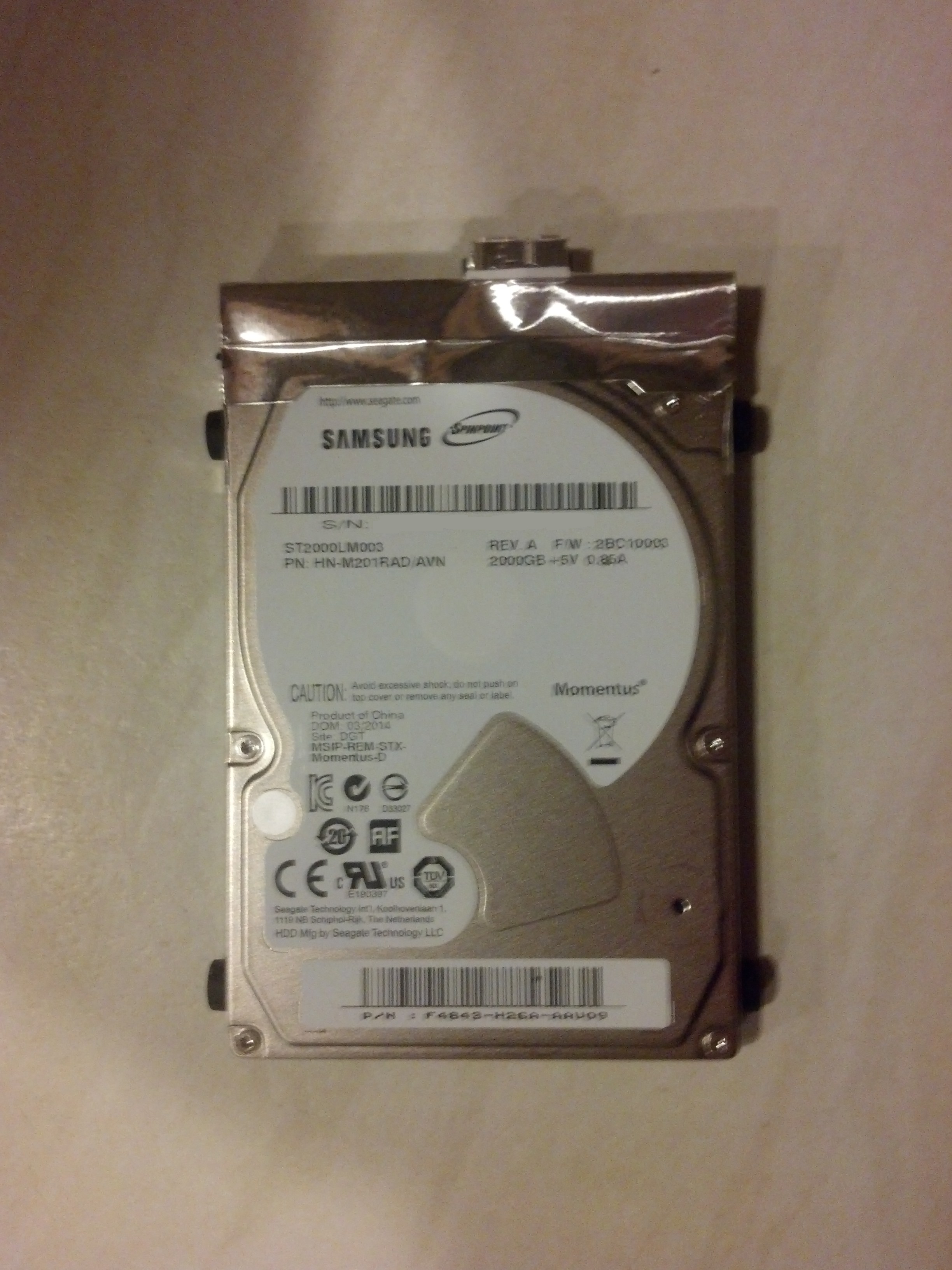
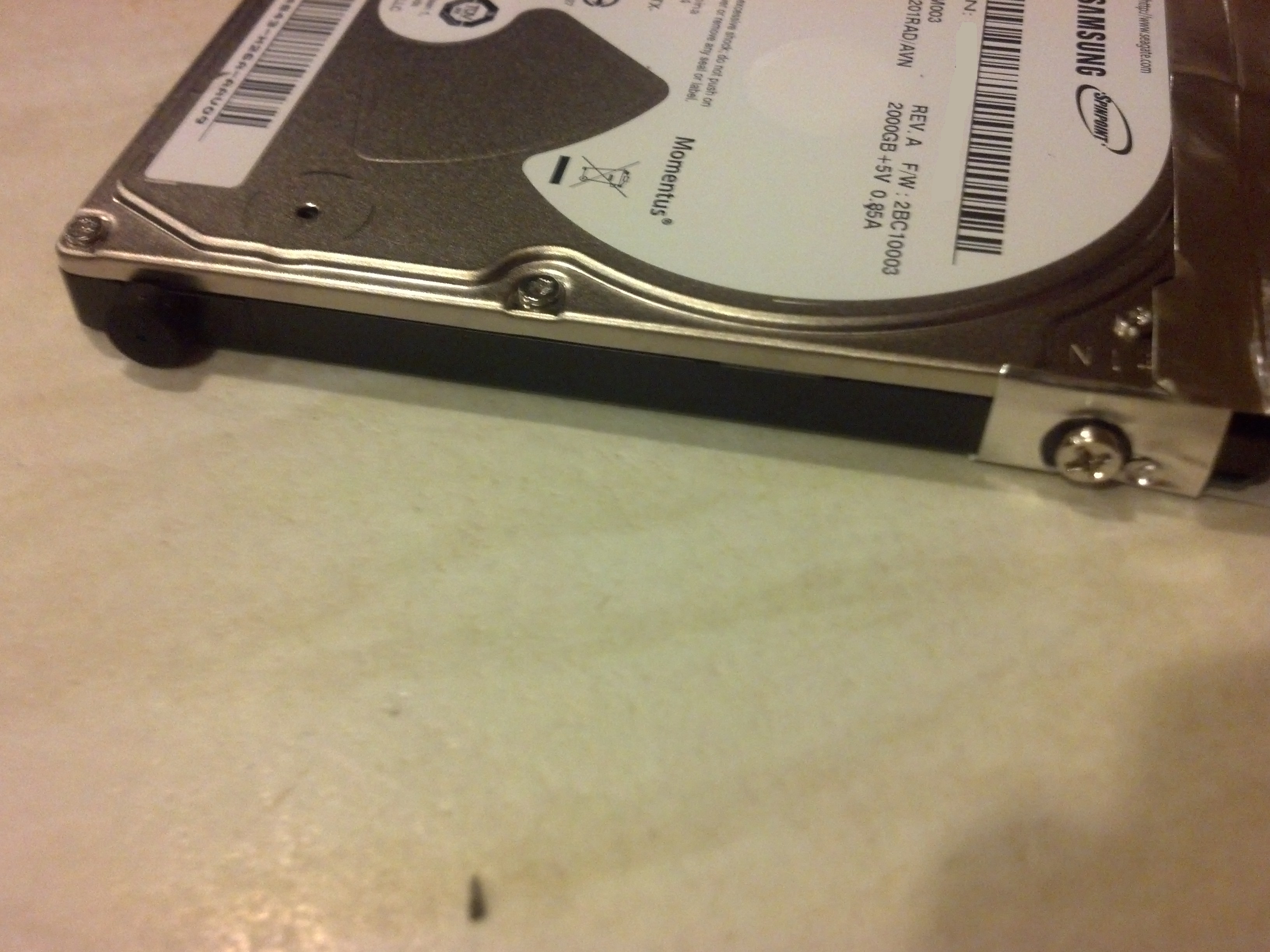
Even though branded as seagate it acutally contains a Samsung M9T 2TB ST2000LM003 9.5mm SATA 2.5 inch Internal Hard Drive Now these sell in a standalone format at around £90 but the expansion combination is regularly on offer for around £55-60. You have to decide whether the £30-£35 saving is worth loosing your warranty. For me money was the biggest factor hence why I went with this.

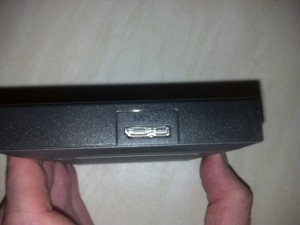
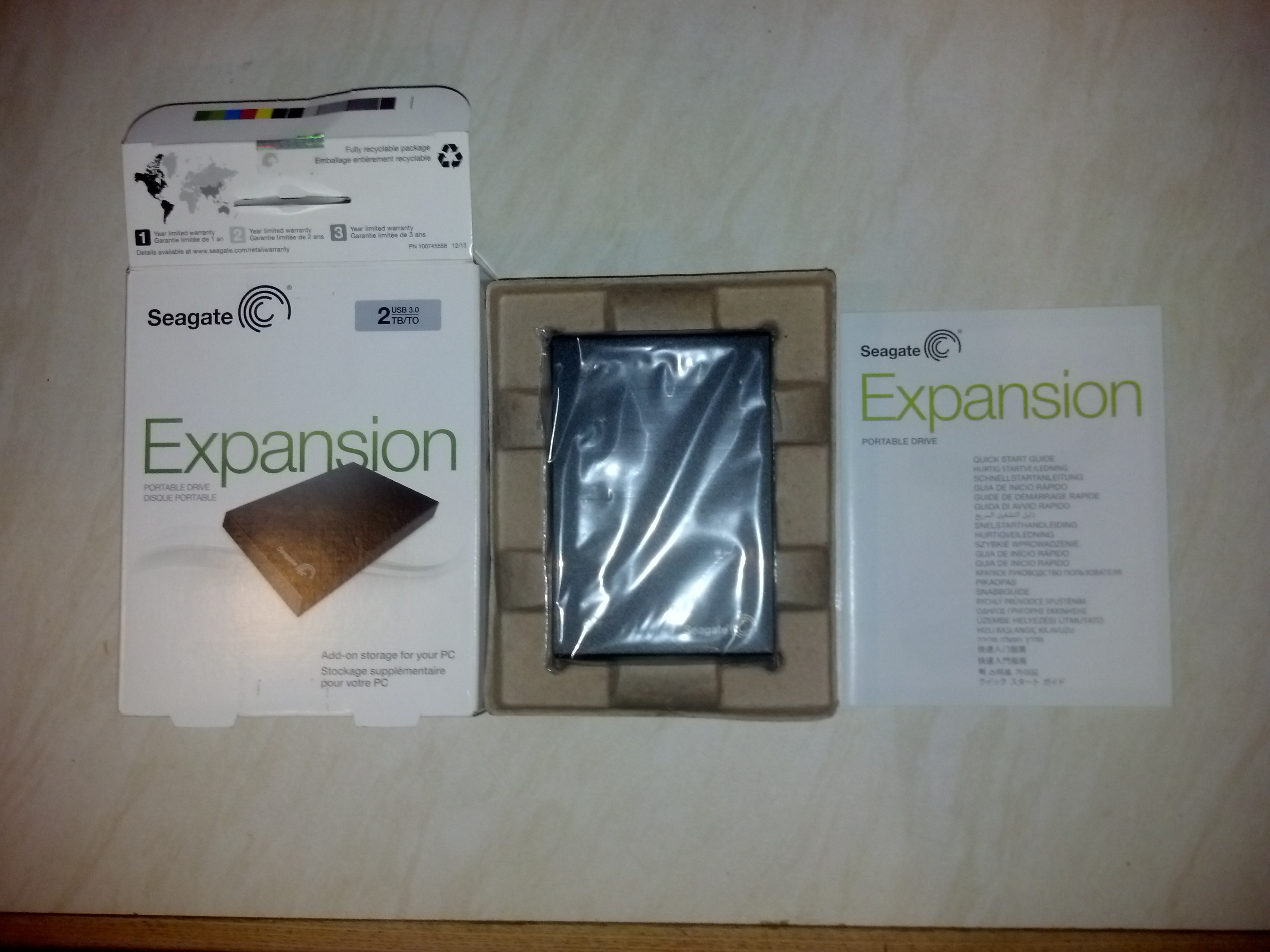
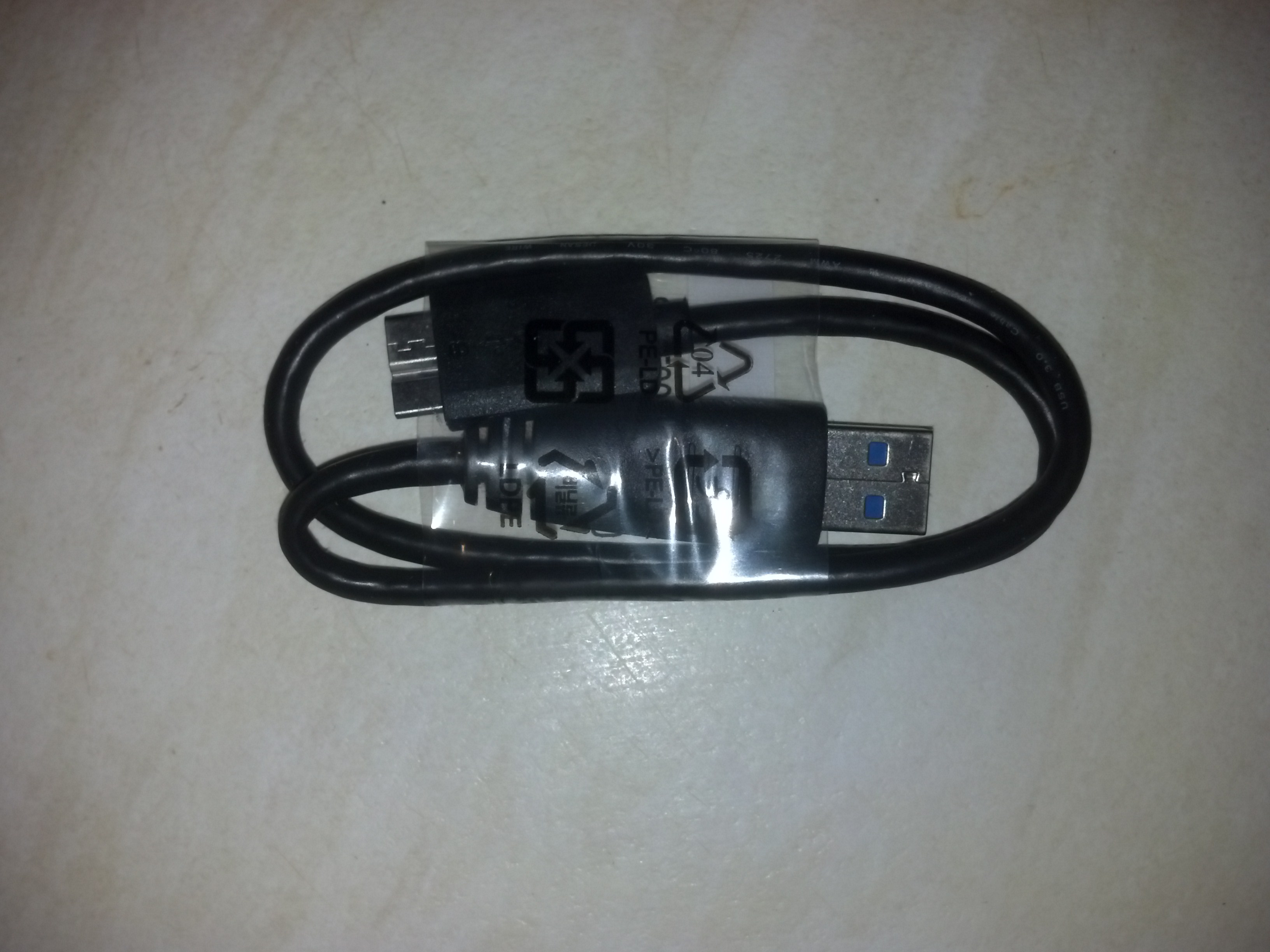
The drive comes with some instructions and a hight speed USB 3.0 cable.


**** WARNING REMOVING THE DRIVE FROM IT’S CASE WILL INVALIDATE YOUR WARRANTY ****

Seagates Warranty And Replacement Policy

If your caeful enough you should be able to salvage the case and use it to put a spare drive in.

First thing I did was plug it into a windows machine to check it’s health status with crystaldiskmark

—————————————————————————-
(2) ST2000LM003 HN-M201RAD
—————————————————————————-
Enclosure : Seagate Expansion USB Device (V=0BC2, P=2312, sa1) – st
Model : ST2000LM003 HN-M201RAD
Firmware : 2BC10003
Serial Number : **************
Disk Size : 2000.3 GB (8.4/137.4/2000.3/2000.3)
Buffer Size : 32767 KB
Queue Depth : 32
# of Sectors : 3907029168
Rotation Rate : 5400 RPM
Interface : USB (Serial ATA)
Major Version : ATA8-ACS
Minor Version : ATA8-ACS version 6
Transfer Mode : SATA/300 | SATA/600
Power On Hours : 0 hours
Power On Count : 5 count
Temperature : 16 C (60 F)
Health Status : Good
Features : S.M.A.R.T., APM, AAM, 48bit LBA, NCQ
APM Level : 0080h [OFF]
AAM Level : FE00h [OFF]

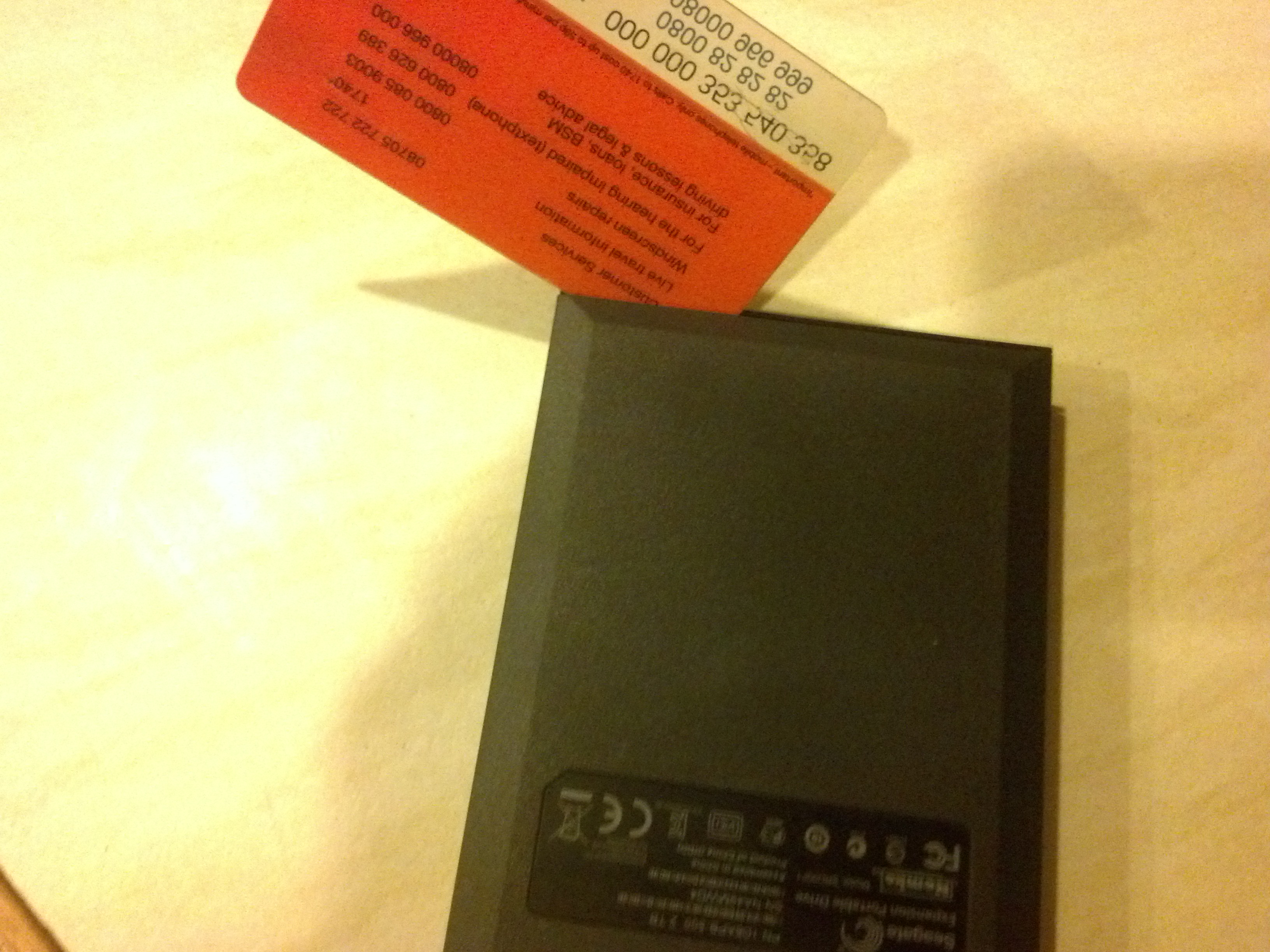
Good enough for me so now time to crack it open. I used a small hobby knife/scalpel and started at the corner where the Seagate logo is.

Once I managed to pry open enough of a gap I used a plastic card to keep it open.
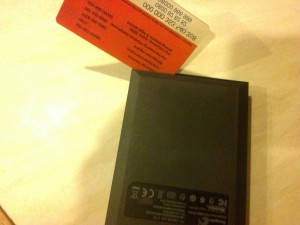
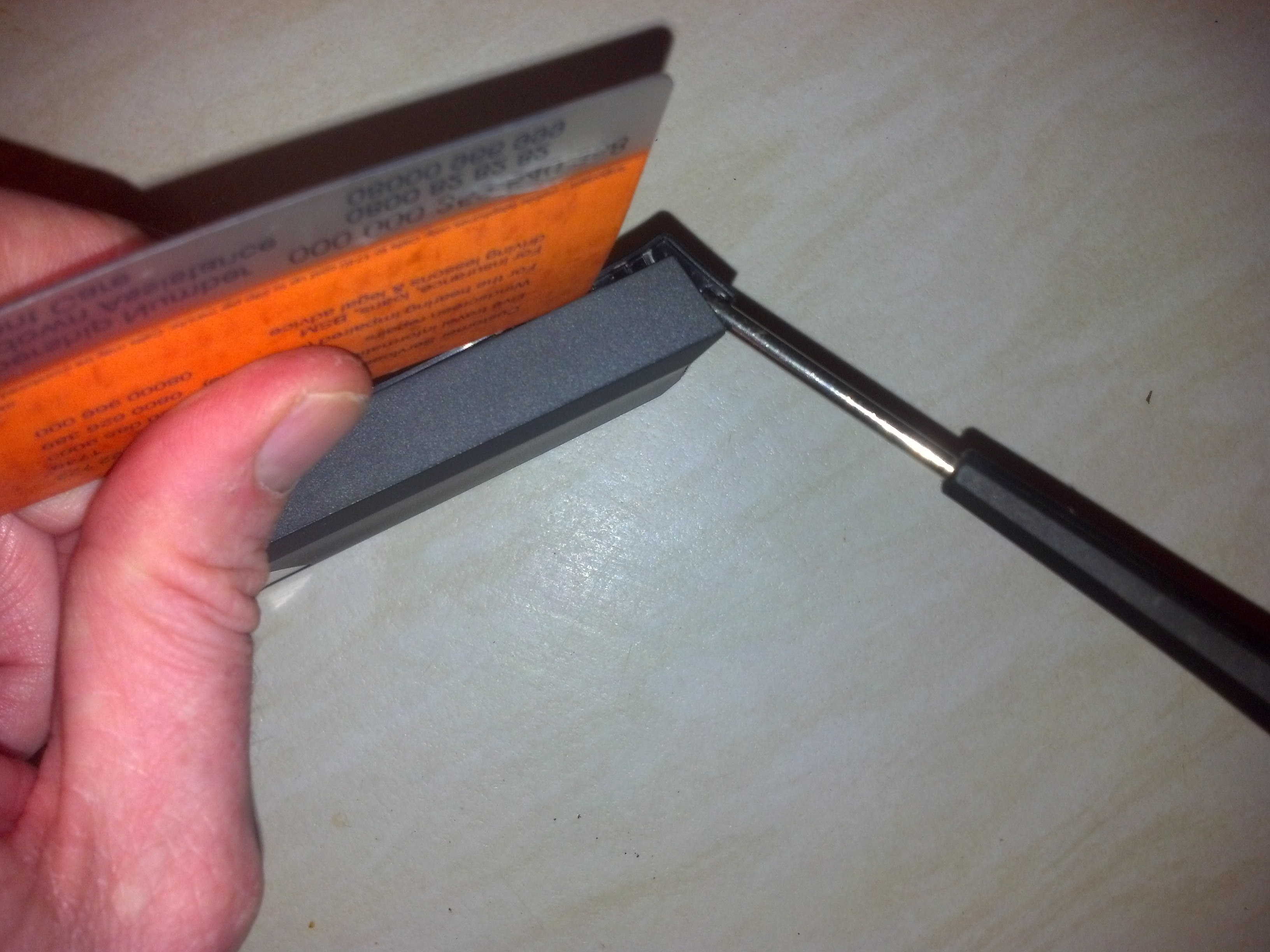
Next I slid the card along and used a small flat headed screwdriver to pry open the end.

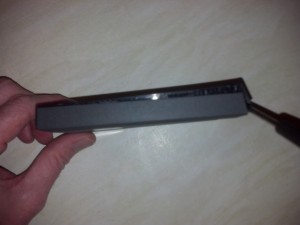
Continuing on I managed to open up the case expsoing the clips.

Pulling off the top reveals the drive.
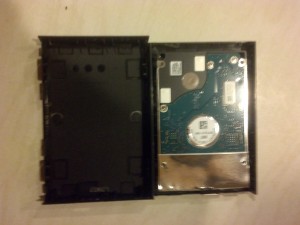
The drives lifts out of the bottom casing

One both sides of the drives are screw covered by black caps.

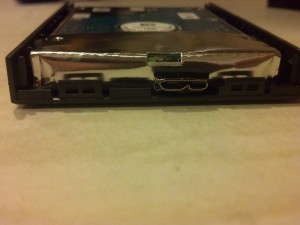
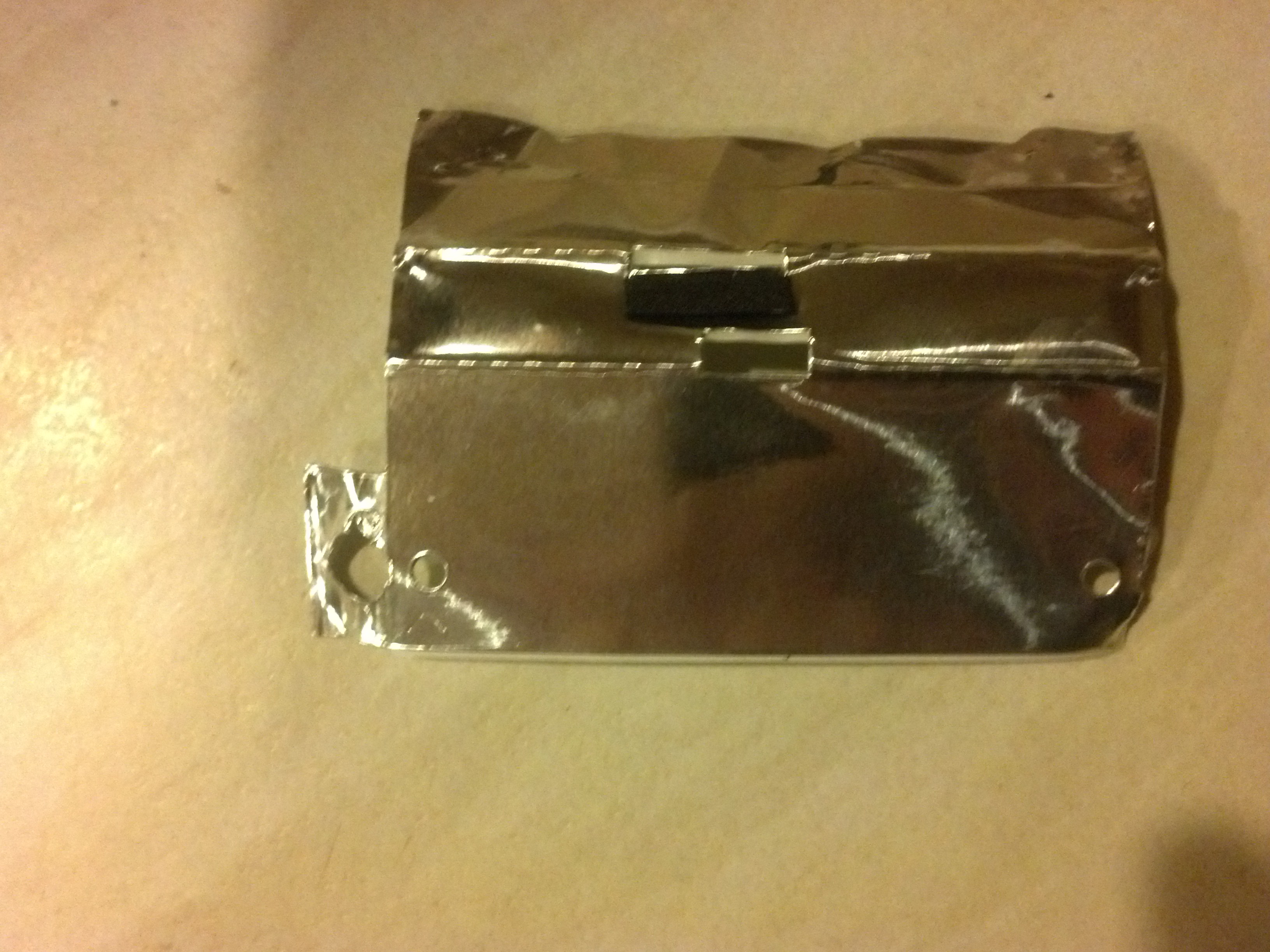
Next carefully peel away the silver foil.
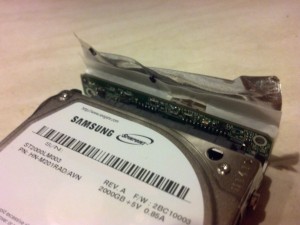
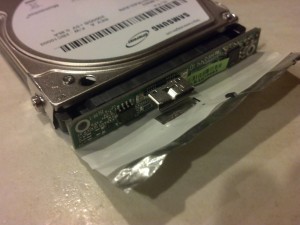
The usb/sata connector is now exposed which simply pulls away from the drive.
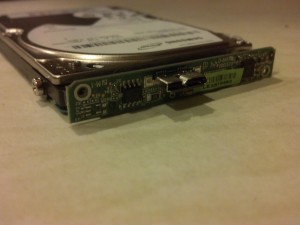
Job done you now have a 2TB drive to put into you console or pc.

 

Continue Reading

Delete specific matching iptables rule

I had the scenario where I needed to allow telnet access from a server to a device which blocked telnet by default, I added the rule on the device using

iptables -I INPUT 1 -p tcp -s 10.10.10.10 --dport 23 -j ACCEPT

Using  INPUT 1 meant it was added as the first rule in iptables thus would be run before the one blocking all telnet. The problem came when it came to deleting rule as there was no easy way to ascertain if new rules had been added to the top of the chain meaning my rule was no longer number 1. To get round this I need to delete the specific rule I had created and this is how I did it. On the device I did

iptables-save |grep 10.10.10.10

this outputted

-A INPUT -s 10.10.10.10/32 -p tcp -m tcp --dport 23 -j ACCEPT

to delete all I needed to do was replace the -A with -D

iptables -D INPUT -s 10.10.10.10 -p tcp -m tcp --dport 23 -j ACCEPT

Obviously tweak to suit your own situation.

Continue Reading

printswithfeelings.com review – don’t bother

I made an order at prints with feelings on 03/11/14 during that time i’ve messaged them 3 times via the contact form on their website asking them when my order will be processed with no reply. I also left them a ‘review’ on their website which they haven’t published (obviously only publish the positive ones). As of today it has been 14 working days since I placed the order and it’s still showing as unfulfilled. I would have expected at least a quick email from them informing of the reason for the delay but nothing. I will now raise a case through paypal.

UPDATE: I phones them on wednesday 26/11/14 and they stated that there had been an issue with the codes supplied by groupon hence the delay. I asked why all my emails had been ignored and they simply said that they have had lots of them. They checked and said my order was due to be printed and I will get an email once dispatched.

On 27/11/14 I got an email saying

“I sincerely apologize for the delay with your print. We have done the artwork for it and it should be sent out in the post ASAP. You will get an email to confirm that it has been dispatched.”

So as of yet it still hasn’t been posted. So currently it’s been 28 days since i ordered and a total of 20 working days.

If it wasn’t for the fact that’ve already purchased a frame I would cancel, now it’s just waiting to see if it comes in time for christmas.

Also on the review section of their website non have been published in november (including mine) so I assume there are many negative ones and they are filtering them to make it look like everyone is happy with their service.

Continue Reading

Day 2

So i’ve had breakfast and now waiting for Sarah to start day 2 of the assessment. Apparently today we are taking a dog to the local garden centre to experience what it’s like being in a public place with one.

Continue Reading